WOLF-16TZ
Block Diagram
The block diagram shows the IGX Thor compute complex connected to a ConnectX-7 SmartNIC with a configurable PCIe switch. It highlights backplane options including 40/100GBASE-KR4 plus two 10/25GBASE-KR Ethernet lanes and PCIe fabric routing, plus optional P2B I/O that can provide 2.5GBASE-T, DisplayPort, CAN, and USB (normally not populated, configuration dependent).
Overview
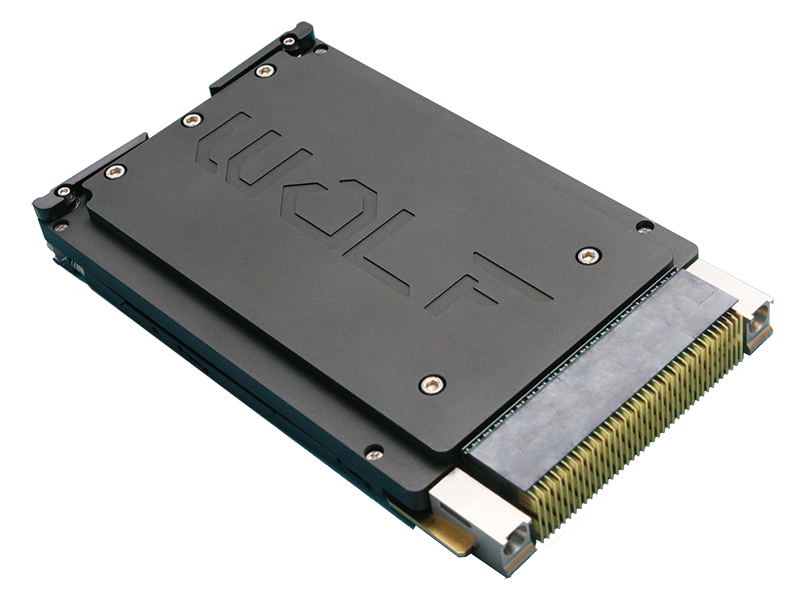
NVIDIA IGX Thor™ + ConnectX-7 Secure Payload Module for C5ISR
The VPX3U-THOR-CX7-PAY module provides a secure, high-bandwidth compute payload for demanding C5ISR applications. It integrates NVIDIA IGX Thor™ (Arm Neoverse-V3AE CPU with embedded Blackwell GPU acceleration) and an NVIDIA ConnectX-7® SmartNIC for high-throughput Ethernet and PCIe fabric connectivity.
With 128 GB ECC LPDDR5X memory and 2070 FP4 TFLOPS of AI compute, the platform targets data processing, deep learning inference, machine vision, sensor fusion, and robotics. ConnectX-7 adds RoCE and NVIDIA GPUDirect capability to minimize latency and CPU overhead when moving data across the network to GPU-accelerated pipelines.
Features
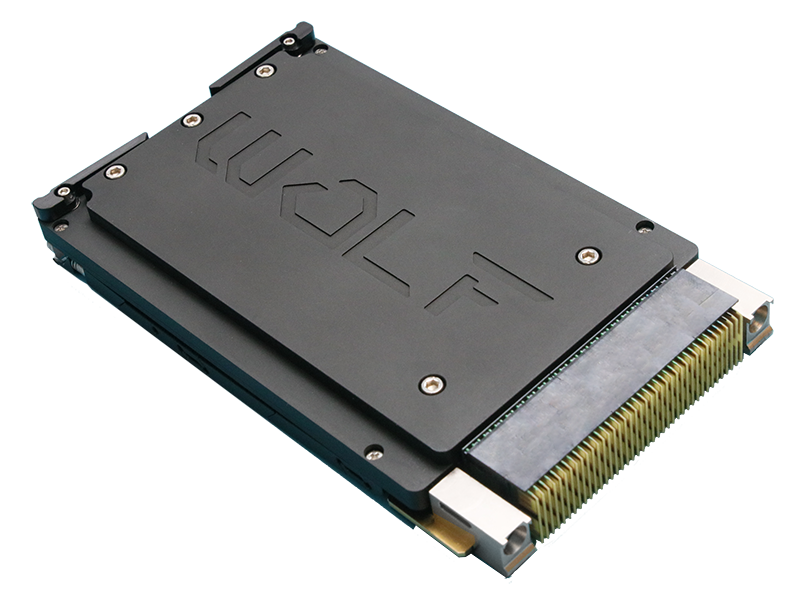
WOLF-16TZ is a rugged 3U VPX secure payload module that combines NVIDIA IGX Thor compute (Arm CPU + Blackwell GPU acceleration) with an NVIDIA ConnectX-7 SmartNIC for high-bandwidth Ethernet and PCIe switching. It integrates 128 GB ECC LPDDR5X memory (256-bit, 273 GB/s), 1 TB NVMe storage, and GPUDirect/RoCE capability to move large datasets efficiently across the VPX backplane. Module power is configurable from 70W to 150W to match chassis cooling and mission profiles.
Video / AI Pipeline Features
- 2070 FP4 TFLOPS AI compute
- Embedded Blackwell GPU acceleration:
- 2560 CUDA cores
- 96 Gen5 Tensor cores
- Multi-Instance GPU (MIG) support (2 instances)
- Display output: DisplayPort MST / HDMI
- Up to 6× 4Kp60 (H.265) encode
- Up to 10× 4Kp60 (H.265) decode
- Runs NVIDIA Isaac™ GR00T, Metropolis, and Holoscan
Connectivity / System Management
- 1 TB NVMe storage
- ConnectX-7 PCIe switch with two configurable x8 ports (may bifurcate to x4 + x4)
- Backplane Ethernet:
- 40/100GBASE-KR4
- Two 10/25GBASE-KR
- ConnectX-7 supports NVIDIA ASAP2, GPUDirect Storage, and RoCE
- Optional P2B I/O (normally not populated; configuration dependent):
- 2.5GBASE-T Ethernet with TSN support
- USB 3.2 and USB 2.0
- CAN bus (2×)
- Additional DisplayPort routing
- Front panel USB-C for setup/debug
- Advanced IPMC and security management features
Mechanical / Open Systems Architecture
- Rugged conduction cooled
- Operating temperature: -40°C to +70°C standard, operational to +80°C
- Vibration (sine): 10G peak (5–2000 Hz)
- Shock: 40G peak
- Dimensions: 160mm x 100mm x 25.4mm
- Weight (approx.): 1.5 kg
- ANSI/VITA 48, 65 (VPX-REDI, OpenVPX)
Specifications
Key configuration and performance parameters for WOLF-16TZ are summarized below for quick comparison. Values shown reflect the standard module configuration; contact WOLF if you need a tailored build or a specific payload profile.
Configuration Guide
This module is preliminary.
- Config A: 2.5GBASE-T + 1× DisplayPort + CAN + USB, or
- Config B: 2.5GBASE-T + 2× DisplayPort
Contact Sales for ordering numbers and configuration options.*
Related Products
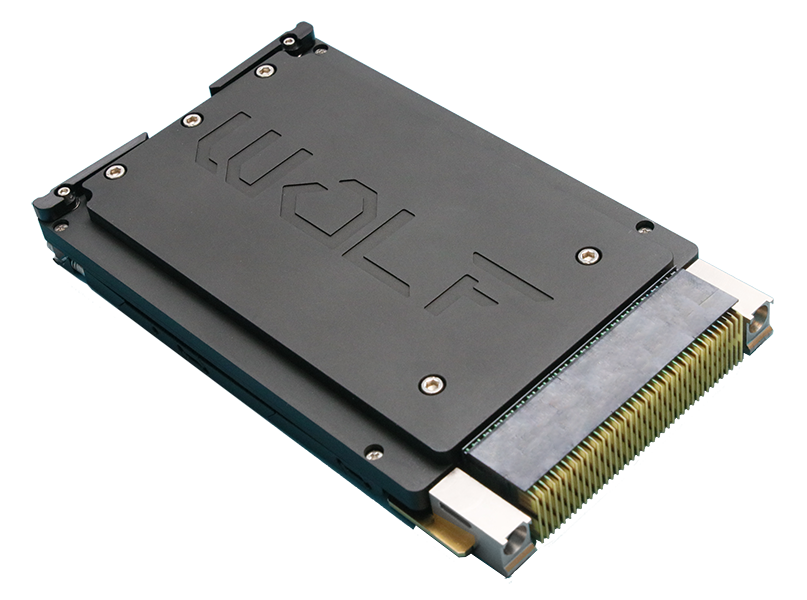
- NVIDIA IGX Thor (T5000) (Arm CPU + Blackwell GPU acceleration)
- 2560 CUDA Cores, 96 Tensor Cores
- 128 GB LPDDR5X VRAM
- 100GbE, PCIe Gen 5, 2.5GbE
- SOSA SBC
- Module power 70–150 W
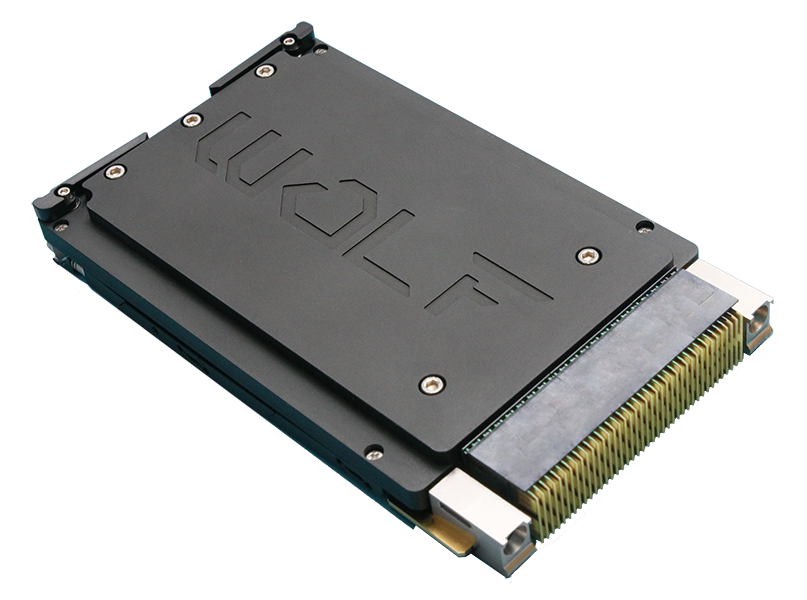
- NVIDIA IGX Thor (T5000) (Arm CPU + Blackwell GPU acceleration)
- 2560 CUDA Cores, 96 Tensor Cores
- 128 GB LPDDR5X VRAM
- 100GbE, PCIe Gen 5, SDI I/O
- SOSA SBC
- Module power 70–150 W
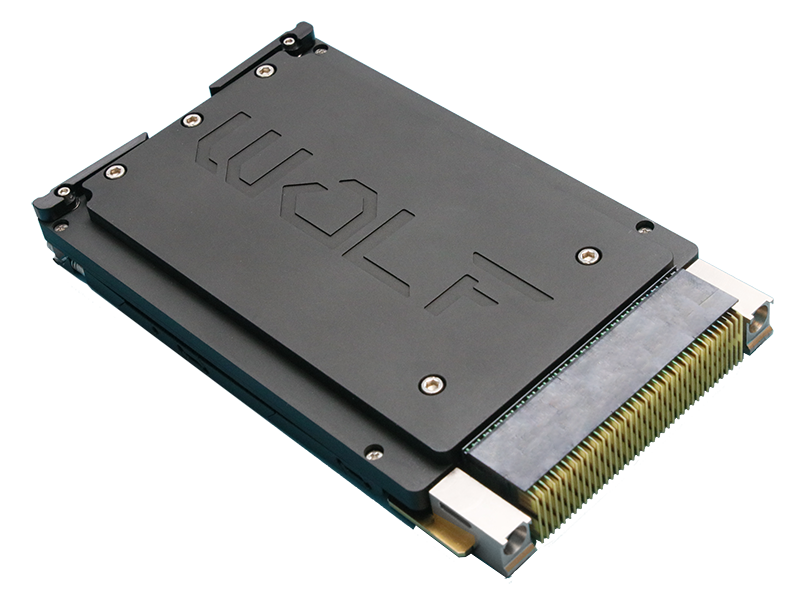
- NVIDIA IGX Thor (T5000) (Arm CPU + Blackwell GPU acceleration)
- 2560 CUDA Cores, 96 Tensor Cores
- 128 GB LPDDR5X VRAM
- PCIe Gen 5, 2x10GbE, 2.5GbE
- SOSA SBC
- Module power 60–140 W
- NVIDIA IGX Thor (T5000) (Arm CPU + Blackwell GPU acceleration)
- 2560 CUDA Cores, 96 Tensor Cores
- 128 GB LPDDR5X VRAM
- PCIe Gen 4, 2x10/25GbE, 2.5GbE TSN
- SOSA SBC
- Module power 70–150 W
FAQ
Choose WOLF-16TZ when your chassis already has an SBC and you want Thor as a payload compute node with high-bandwidth fabric connectivity.
This is typically the right fit when:
- You are scaling compute across multiple payload slots
- You need ConnectX-7 for up to 100GbE backplane fabrics and PCIe switching
- Your architecture is SBC + payload nodes (compute lives in payload, platform control lives in SBC)
It reduces CPU involvement when moving large datasets between the network and GPU-accelerated pipelines.
In practice it helps when:
- Sensor data arrives over Ethernet and must land efficiently into GPU workflows
- Latency matters and extra host-memory copies become a bottleneck
- You want higher sustained throughput across the fabric with less CPU overhead
Confirm these early to avoid backplane and slot-profile mismatches:
- Payload slot profile choice: 14.6.11-0 (P2 depop) vs 14.6.13-0 (P2B depop)
- Ethernet lane mapping: 40/100GBASE-KR4 plus two 10/25GBASE-KR links (as configured)
- PCIe topology: the ConnectX-7 PCIe switch porting and any bifurcation assumptions
- Optional P2B I/O is configuration dependent and often not populated (2.5GBASE-T, DP, CAN, USB)
The biggest ordering-time choices are system-integration tradeoffs:
- Slot profile selection (14.6.11-0 vs 14.6.13-0): drives backplane routing and whether P2B resources can be used
- ConnectX-7 PCIe switch configuration: determines whether you present one x8 port or bifurcate to x4 + x4, and how you map PCIe to the backplane
- Ethernet configuration: determines how 40/100GBASE-KR4 and the 10/25GBASE-KR links are enabled and mapped
- Optional P2B I/O population: if enabled, determines whether 2.5GBASE-T, DisplayPort routing, CAN, and USB are available
Contact Sales for ordering numbers and configuration options.